The Best Tool for Google FRP is Here! – FRP Android 16

Smooth, Fast and Sercure Unlocking!
Unlock your Android device quickly and securely with FRPRemoval, the trusted online service for FRP bypass on devices up to Android 16. In just minutes, you can regain full access without complicated steps or risky downloads. Start your FRP unlock now—safe, instant, and 100% guarantee.
FRPRemoval has always been one of the leading tools regarding the Google FRP lock. We have helped many users around the world and provided great service to all of them. Because of that, we wanted to expand a little bit on this topic and explain in this article today the importance of FRP unlock Android 16 (the latest OS version for smartphones and, of course, this lock). So, if you are interested and want a permanent solution now that your phone has been updated to the latest version, this is your place!
Can Google Account Verification be Bypassed on Android 16?
Although it is a newer version of Android that was released not so long ago (June 2025), it is possible to bypass FRP locks. It can be complicated if you don’t know the right tools because of the many security restrictions imposed on these Android devices, but it is still possible to fully unlock your device (especially with FRPRemoval).
The only thing you need to consider right now is that some tools still haven’t updated their services for this new OS, so they might not work completely on your smartphone. Additionally, any tricks or loopholes that were available before to access the device’s main screen without the Google account credentials should be patched by now.

What are the Key Elements for Android 16 on FRP?
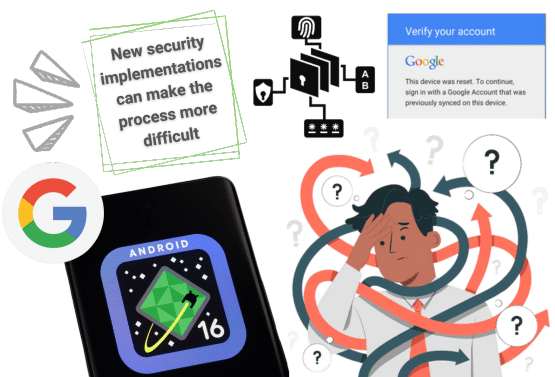
This new Android version has new features and enhancements for Factory Reset Protection. This, in some cases and depending on the tools, can complicate the FRP lock removal process, as Android really changed a lot of things when it comes to the initial setup and account verification.
So, in this section, we will explain some key points of this new update so you can take them into consideration before you try to bypass the FRP lock.
Re-authentication of the Google credentials:
Even if someone else bypasses the initial setup and skips parts of the FRP authentication, the device will require them now to verify ownership by entering the correct lock screen PIN or Google credentials.
Persistent FRP Lock:
Now, the device remains locked even after attempts to bypass the initial setup, forcing a second factory reset and requiring the original owner's credentials to unlock it. So, now, it is not really possible to remove FRP locks without a valid account, as it was before.
Restrictions on Device Usage Post-Reset:
After a factory reset, the device now imposes limitations until the original account credentials are provided. So, adding new Google accounts is blocked and cannot be done until you reach the main screen.
Limited Downloads and Installations:
Installing new applications is still restricted, so APKs are not an option right now. Additionally, enabling the bootloader unlocking does not disable FRP either.
What’s the Difference Between Bypass FRP Tools and Bypass FRP APKs?
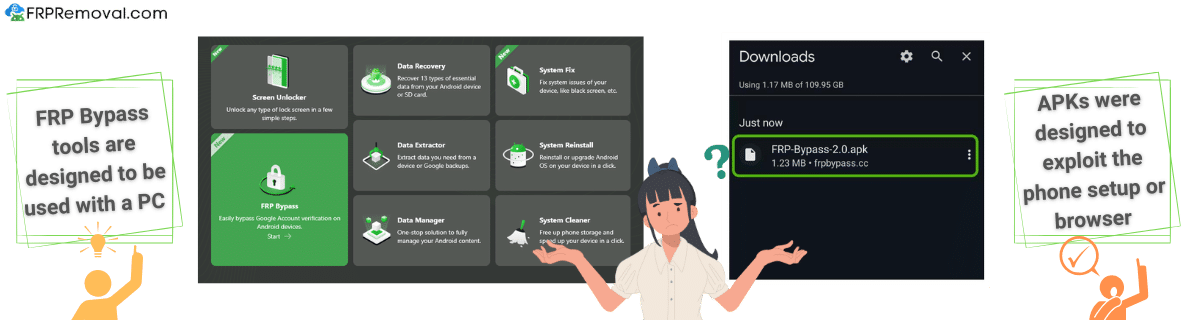
The difference between FRP bypass tools and FRP bypass APKs basically comes down to how they’re used, platform compatibility, and the level of technical difficulty in using them. Many FRP bypass tools now require a USB cable and a PC to download and install a program capable of bypassing the FRP on various Android devices. On the other hand, the APKs need to be added to the phone, as they were designed to run from file managers or browsers during setup.
Here, we will also leave a little table with the differences so you can learn more!
| Feature | FRP Bypass Tools | FRP Bypass APKs |
|---|---|---|
| Platform | PC (Windows, macOS) | Android (on-device) |
| Method | USB debugging, command-line | Exploit setup wizard or browser |
| Skill Level Needed | Intermediate to advanced | Intermediate |
| Effectiveness (as of 2025) | Decreasing (due to security) | Mostly patched (very low success) |
| Legal/Safe? | Only if you own the device | Often risky or unsupported |
Does the FRP Work the Same as Older Versions on Android 16?
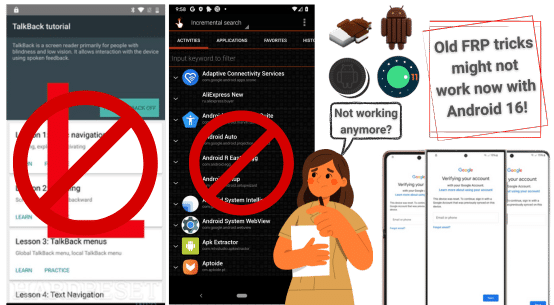
It kind of does. In this case, Android 16 still shares some features from previous versions, but since the security has been hardened a lot since Android 13, we cannot assure that some of the old methods will still work today for this Android version, especially really old ones like QuickShortcutMaker.apk or TalkBack. Still, remember that in this case, it is better to try to recover your account before you start thinking about bypassing Google FRP lock tools, as it is the official way to go and can avoid many problems if it doesn’t work.
Does the FRP Lock Go Away If You Flash the Firmware?
Flashing the firmware to remove the FRP lock on any Android OS device is no longer possible. Even if you try to upgrade or downgrade the version of your Android phone, the FRP lock will still be present. Additionally, since the bootloader and the option to use USB are now restricted, it is complicated to access and modify the firmware. So, in other words, it is not recommended since it won’t work, and it is better to look for other alternatives.
How Do I Know If My Phone Is Running Android 16?
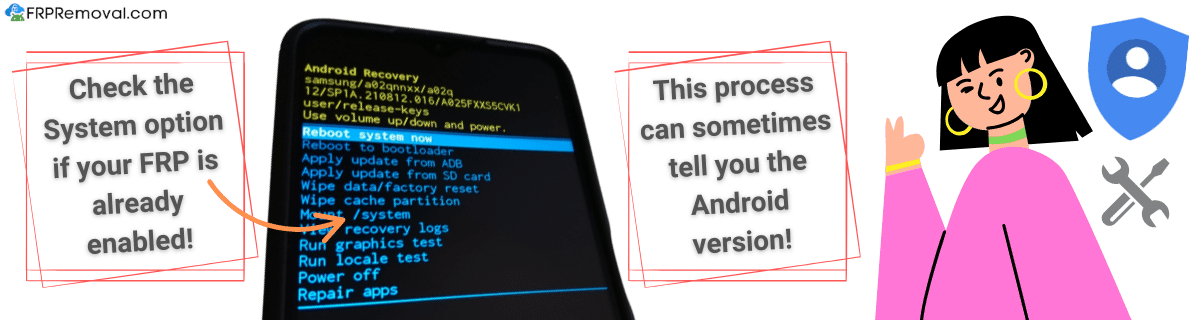
If you have the FRP enabled on your phone, it can be a little difficult to know, as it won’t tell you directly. However, you can try accessing the recovery mode and checking if there’s an option to see the Android version, build number, and security patch level. You can also try to get the IMEI number by dialing *#06# on the emergency screen and using an IMEI checker online to see if it shows the version of the FRP-locked phone.
Now, if you haven’t done anything to the phone yet and it is not FRP active, you can just go to the settings of the Android phone and tap About phone or About device and look for Software version > Android version. There, you can see everything before you reset the device, or if you need it for something else.
Can FRP Unlocking Damage My Android 16 Device?
If you don’t use the right tools to remove the Google FRP lock, yes, it can even further lock your device or disable important security options to keep the phone running. Since this version is new, we recommend not using any type of APK or tools that invade the phone, as that can activate more layers of security. Instead, try FRPRemoval and get rid of this issue with our specialized tools and servers!

FRP Unlock Android 16
with FRPRemoval!
The best FRP unlock tool to bypass Google accounts is ready for any type of device running Android 16! We cover a wide range of Android devices, and today, we have implemented the one for Android 16 so you can unlock phones and tablets without issues. To start the process and remove Google accounts in 15 minutes, please follow these simple instructions:
Please go to FRPRemoval.com and fill out the form you will see on the screen with your name, email, manufacturer (Samsung phones, Xiaomi, Redmi, etc.), and IMEI number.
After that, follow the steps on the screen to register on the site and unlock the dummy ID that will do the Google account bypass.
After you get the dummy ID, follow the video instructions to FRP unlock your device completely.
Once you have access to the main screen, go to settings and try to create or add a new Google account for your phone.
Complete the entire process in just 15 minutes!
Searching for a Solution to FRP Unlock Android 16? Try FRPRemoval!
The best FRP unlock tool to bypass Google accounts is ready for any type of device running Android 16! We cover a wide range of Android devices, and today, we have implemented the one for Android 16 so you can unlock phones and tablets without issues. To start the process and remove Google accounts in 15 minutes, please follow these simple instructions:
- Please go to FRPRemoval.com and fill out the form you will see on the screen with your name, email, manufacturer (Samsung phones, Xiaomi, Redmi, etc.), and IMEI number.
- After that, follow the steps on the screen to register on the site and unlock the dummy ID that will do the Google account bypass.
- After you get the dummy ID, follow the video instructions to FRP unlock your device completely.
- Once you have access to the main screen, go to settings and try to create or add a new Google account for your phone.
Besides FRPRemoval, the safest method is to log in with the original Google account synced before the reset. There’s also the option to contact the device manufacturer with proof of ownership for official assistance and see if they can help unlock FRP locks.
FRP is harder to bypass on Android 16 because it uses a new setup wizard that enforces the FRP and survives resets and blocks exploits. Additionally, faster security patches and bootloader protections now also prevent traditional bypass methods.