
FRP Bypass OnePlus 11R: How to Remove the Google Lock and Use your Phone Again
6-8 minutes
If your OnePlus 11R is asking for a Google account you can't access after a factory reset, that's the FRP lock (Factory Reset Protection). It kicks in whenever the phone is wiped through recovery mode instead of through Settings. Don't worry, it happens to a lot of people, and there are ways to get past it. This guide walks you through the options, from recovering the account yourself to using FRPRemoval when the official path doesn't work out.
Is this guide for you?
- You reset your OnePlus 11R and now it's asking for the old Google email and password.
- You bought a second-hand 11R and the seller didn't remove their account first.
- You changed your Google password recently and the FRP screen isn't accepting the new one.
- You don't remember the email at all, and Google's recovery options aren't helping.
Before you start:
- Your IMEI number - Dial *#06# from the dialer, or check the sticker on the original box.
- A stable internet connection - Wi-Fi or mobile data, either works.
- About 5-10 minutes - That's all it takes once you have the info ready.
How to Choose a Good Service to FRP Bypass OnePlus 11R
If you've been searching for a way to get past the FRP lock, you've probably come across dozens of tools, programs, and websites that all claim to do the same thing. The problem is that a lot of them are outdated, some are just collecting your data, and others want you to download APK files that can contain malware. So before you try anything, it helps to know what to look for.
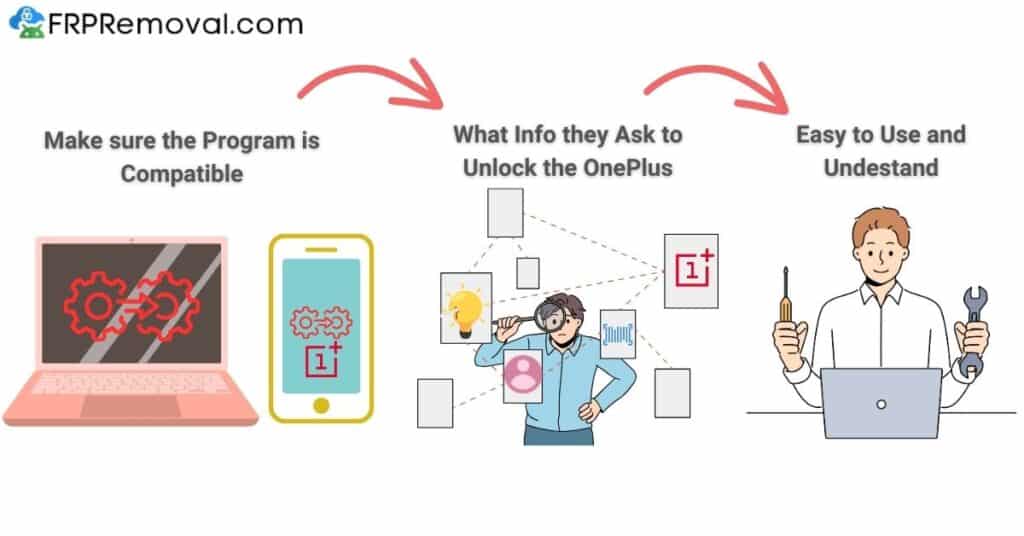
First, make sure whatever tool you're considering is actually compatible with your OnePlus 11R. The 11R runs on the Snapdragon 8+ Gen 1 and shipped with OxygenOS 13, but most units are now on OxygenOS 14 or even OxygenOS 15. A lot of the free methods you find online (Talkback exploits, Clone Phone workarounds, accessibility tricks) were patched in OxygenOS 14, so they won't work on an updated phone.
Second, check whether the site looks maintained and secure. If the page looks broken, hasn't been updated in years, or asks for information that doesn't make sense (like your banking details), move on. A good service will only ask for what's necessary: your device model, your IMEI number, and basic contact information.
Last, see if they actually explain what the tool does. Programs that are vague about their methods or that require you to root or flash your device are risky, and they can permanently damage your phone. Online solutions (like FRPRemoval) that don't require downloads or system modifications are generally the safer route.
Good to know: The OnePlus 11R has two layers of protection after a factory reset: Google's FRP and the OnePlus Account lock. Make sure the service you're using addresses the Google FRP side. If the OnePlus Account is also active, you'll need to contact OnePlus separately for that one.
Will OnePlus Help you Unlock your Device's Google Account?
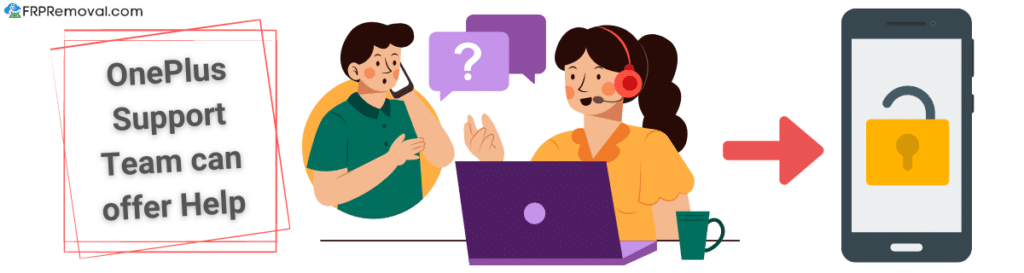
You can contact OnePlus support and ask about removing the FRP lock, but keep your expectations realistic. Their services vary depending on the region, and in most cases, they'll ask for proof of purchase before they do anything. If the phone is second-hand and you don't have a receipt, they'll most likely tell you that they can't help with the Google account side.
If you're the original owner who just forgot the password, try Google's account recovery first. That's the fastest official path, and it doesn't involve OnePlus at all.
Watch out: If you reset your Google password during recovery, you'll need to wait 24 to 72 hours before that new password works on the FRP screen. Trying it too soon can lock down your entire Google account, which makes everything harder to fix.
Does Bypassing the FRP Lock Have any Security Implications?
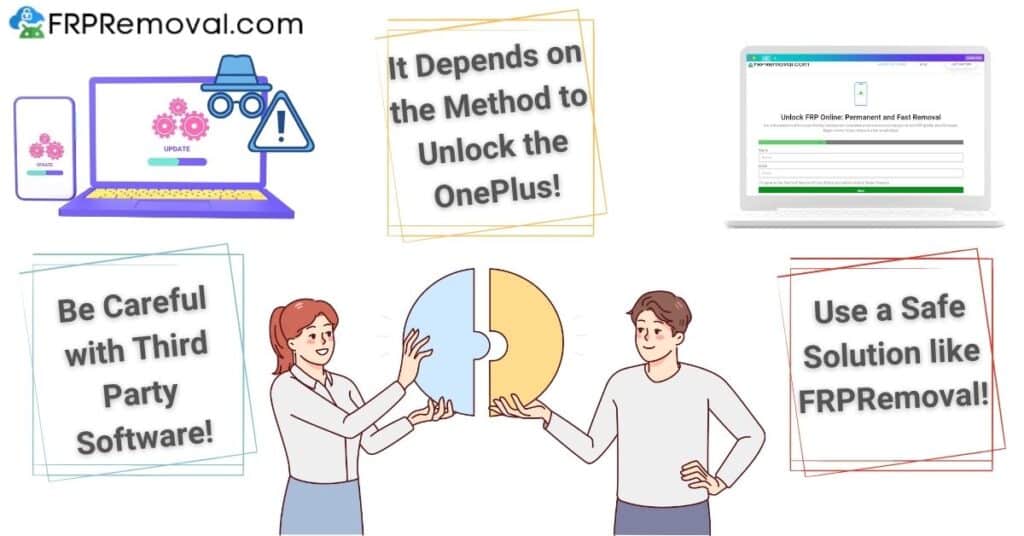
That depends entirely on the method you use. Some programs modify system files inside your OnePlus 11R to get around the lock, and others require installing APKs that overwrite parts of the FRP partition. Those approaches can be complicated, and if something goes wrong, you could end up with a bricked phone or corrupted system files that are hard to recover from.
The other risk is with tools that aren't transparent about what they're doing. If an app asks for root access on a locked phone, or if it needs you to flash a custom recovery, you're giving it deep access to your device without really knowing what it's changing. That's where things can go sideways.
FRPRemoval works differently. It uses internal servers to create a temporary ID based on the manufacturer and IMEI that you provide, which overwrites the old Google credentials so you can add a new account. It doesn't touch your system files, doesn't require root access, and doesn't install anything on the phone. Once you're past the FRP screen, the phone's security features continue working exactly as before.
What is the Best Method to Unlock your OnePlus 11R?
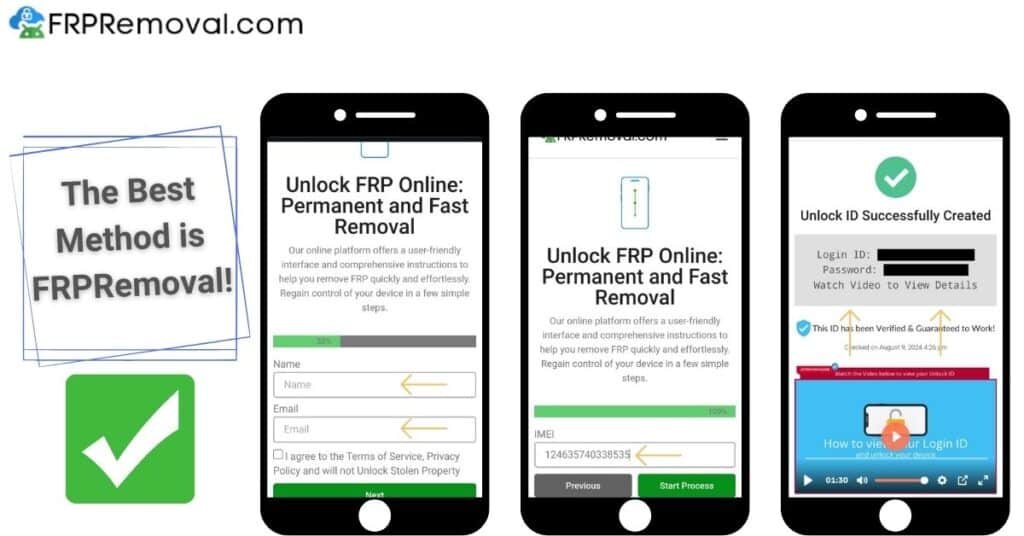
If the official routes (Google recovery, OnePlus support, contacting the previous owner) didn't work, the most practical option is FRPRemoval. It's an online service that handles FRP locks across different Android devices, and it works with the OnePlus 11R regardless of which OxygenOS version your phone is running. Here's how the process works:
- Go to FRPRemoval.com: Visit the FRPRemoval website and fill out the form with your name, email, manufacturer (OnePlus), and IMEI number.
- Register and get your dummy ID: Follow the steps on screen to complete the registration. The system creates a temporary ID tied specifically to your device's IMEI.
- Follow the video instructions: You'll get video guidance showing you exactly how to enter the dummy ID on your 11R's FRP screen to bypass the Google verification.
- Add a new Google account: Once you're past the lock, create or add a new Gmail account during setup. The dummy ID is one-time use, so make sure to set up a real account you'll remember.
After the dummy ID is used, it won't work anymore, which means it can't be misused on other devices. Once the phone returns to the normal home screen, you don't need to do anything else. Your apps and settings will be back to normal, and the phone's security features (including FRP) will continue to protect it going forward with your new account.
If you've tried the official methods and they didn't work for your situation, FRPRemoval can help you get your OnePlus 11R unlocked without needing a PC, without rooting, and without risking your phone's security.
FRP Bypass OnePlus 11RWhy is it Important to Keep FRP Enabled on your OnePlus 11R?
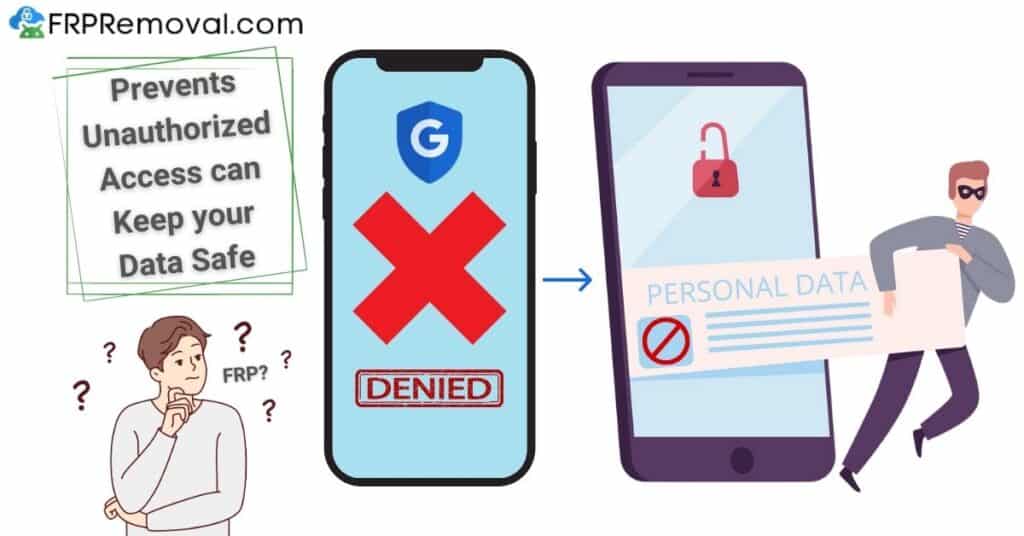
After going through the hassle of getting locked out, you might be tempted to disable FRP altogether. We get it, but it's actually worth keeping it on. FRP is there to prevent unauthorized access and protect your personal data (photos, messages, banking apps, etc.) in case your phone is ever lost or stolen.
Without a Google account linked to the device, some apps and services also won't work properly, and the phone may keep asking you to add an account during regular use. The best approach is to keep FRP active with an account you'll remember, and if you ever need to reset the phone, simply remove your Google account through Settings > Accounts first, then perform the reset through Settings > System > Reset. That way, FRP doesn't trigger, and you can re-enable it right after by signing back in.
Common Mistakes to Avoid When Trying to FRP Bypass OnePlus 11R
- Trying the new password before the 72-hour window: Google enforces a sync period after password changes. Using it too soon can lock down your entire account.
- Resetting through recovery mode again: The FRP lock survives recovery mode resets. That's exactly what it was built to do. Resetting again won't clear it.
- Downloading random bypass tools: Most free programs are outdated, don't work on OxygenOS 14 or 15, and some contain malware.
- Rooting or flashing while locked: These methods require full device access, and attempting them on an FRP-locked phone can brick the device or corrupt your system.
Frequently Asked Questions about FRP Bypass on the OnePlus 11R
Is the FRP bypass method the same for all Android devices?
Yes, the FRPRemoval method works the same way across all Android devices from Android 5.1 onward. If your phone uses IMEI and asks for Google credentials after a reset, FRPRemoval can handle it. We work with a lot of different brands and models, including Samsung, Xiaomi, Motorola, Google Pixel, and of course OnePlus.
Is the service to FRP bypass OnePlus 11R free?
We understand how frustrating it is to be locked out of your own phone, and we designed the tool to help as many people as possible. You can check the current pricing and options on the FRPRemoval website. The goal is to make the process accessible and straightforward so you can get your device unlocked without complications.
What if my Google account doesn't work and I don't remember the email?
If you don't remember the email at all, Google's recovery options won't help much. In that case, your best option is to use a third-party service like FRPRemoval to get past the lock first. You can always try to recover the email later through Google's support, but in the meantime, FRPRemoval can get you back into your phone so you're not stuck.
Is the process the same for the OnePlus 11 and the OnePlus 11R?
The FRPRemoval process is the same for both. Just make sure you enter the correct IMEI number and select the right model when filling out the form. Both devices run OxygenOS and use Google's standard FRP mechanism.
Will bypassing FRP damage my phone or change any settings?
No. FRPRemoval creates a temporary credential that satisfies the Google verification. It doesn't modify your phone's software, doesn't root anything, and doesn't flash firmware. After the process, your OnePlus 11R works exactly as it did before, and your warranty stays intact.
Get your OnePlus 11R Back to Normal

Dealing with an FRP lock can be frustrating, but it doesn't have to stay that way. If the official methods didn't work out and you don't want to wait, rest assured that FRPRemoval was built for exactly this kind of situation. It works with your OnePlus 11R regardless of the OxygenOS version, and you can have the peace of mind that nothing on your phone will be affected.
Don't let an FRP lock keep you from using your phone. FRPRemoval can help you remove it in just a few minutes.
Unlock your OnePlus 11R Now

